Install Mive on your computer
Windows or Mac. One installer, two minutes — it's what turns your computer into your own drive.

Four steps to get started
Five minutes, once. After that, your files go wherever you go.
Windows or Mac. One installer, two minutes — it's what turns your computer into your own drive.
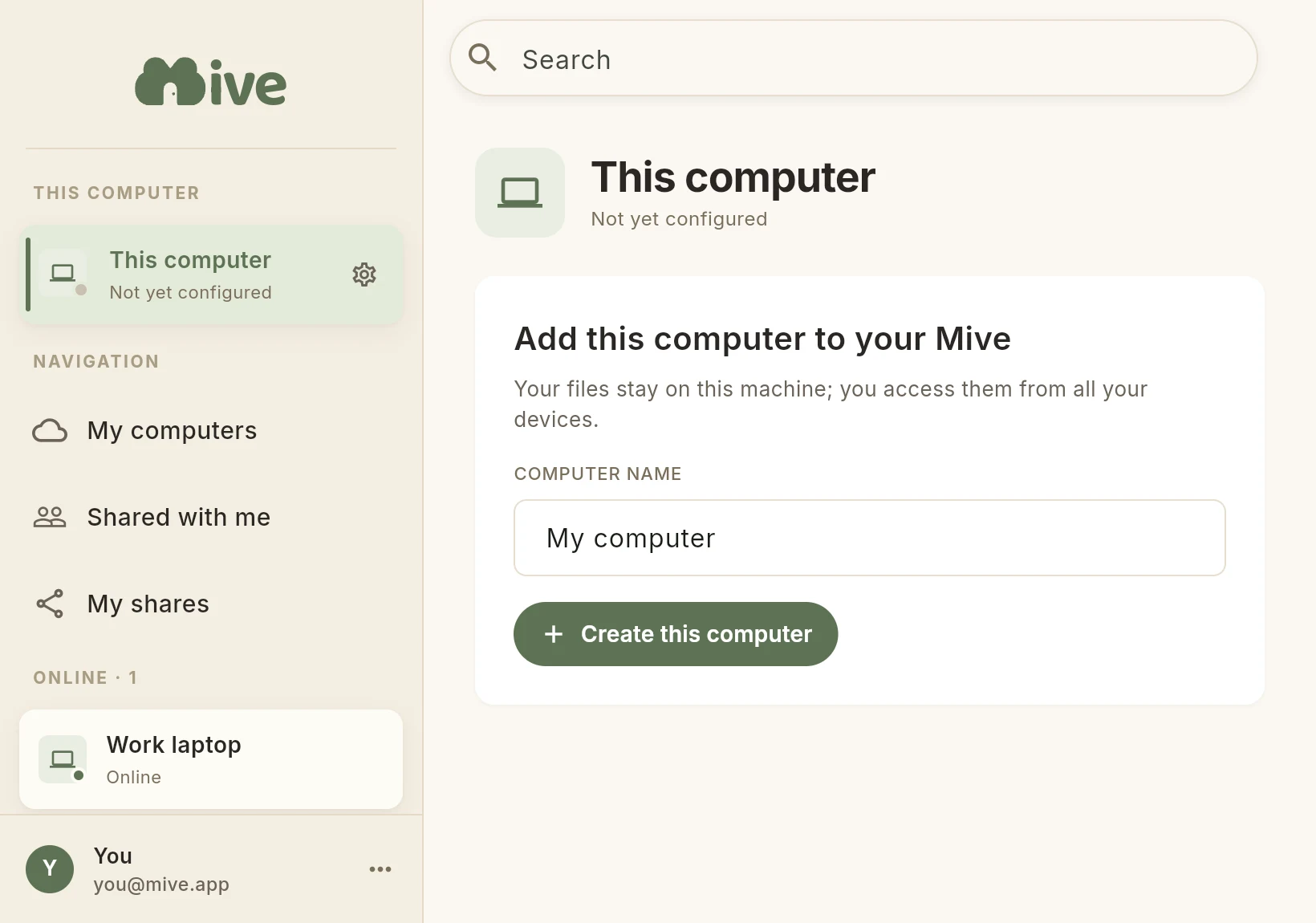
Free, in a few seconds: on first launch, click Sign in, then create your account on the page that opens. It's what links your computer to your other devices.
Give it a name, then add the folders Mive can see. Nothing else on your computer is reachable.
From the App Store or Google Play, and sign in with the same account. No phone? Open Mive in any browser.
Whatever sits in those folders on your PC is exactly what you see in Mive — same files, same names. It's your own disk, reachable from anywhere.
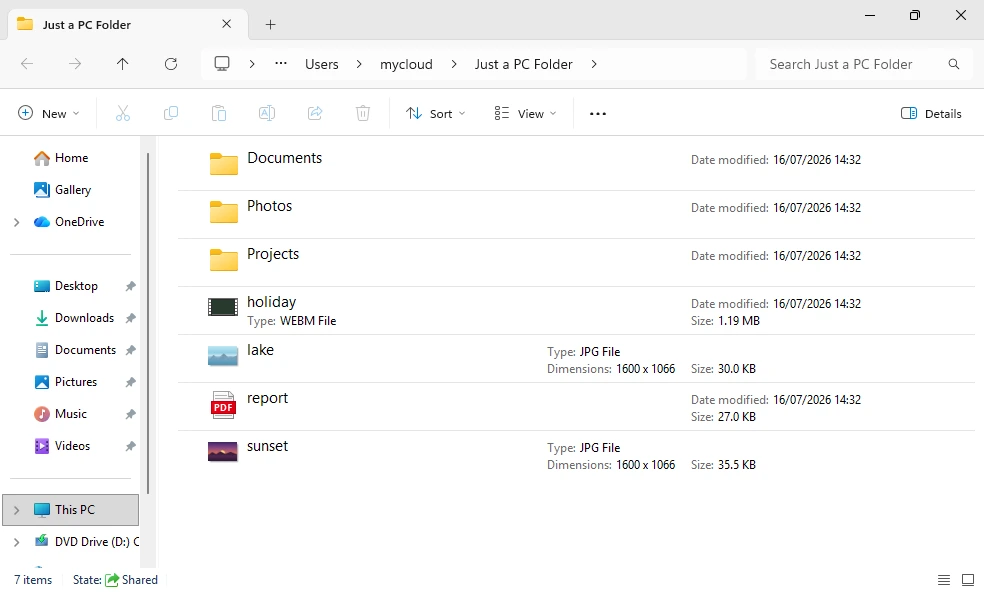
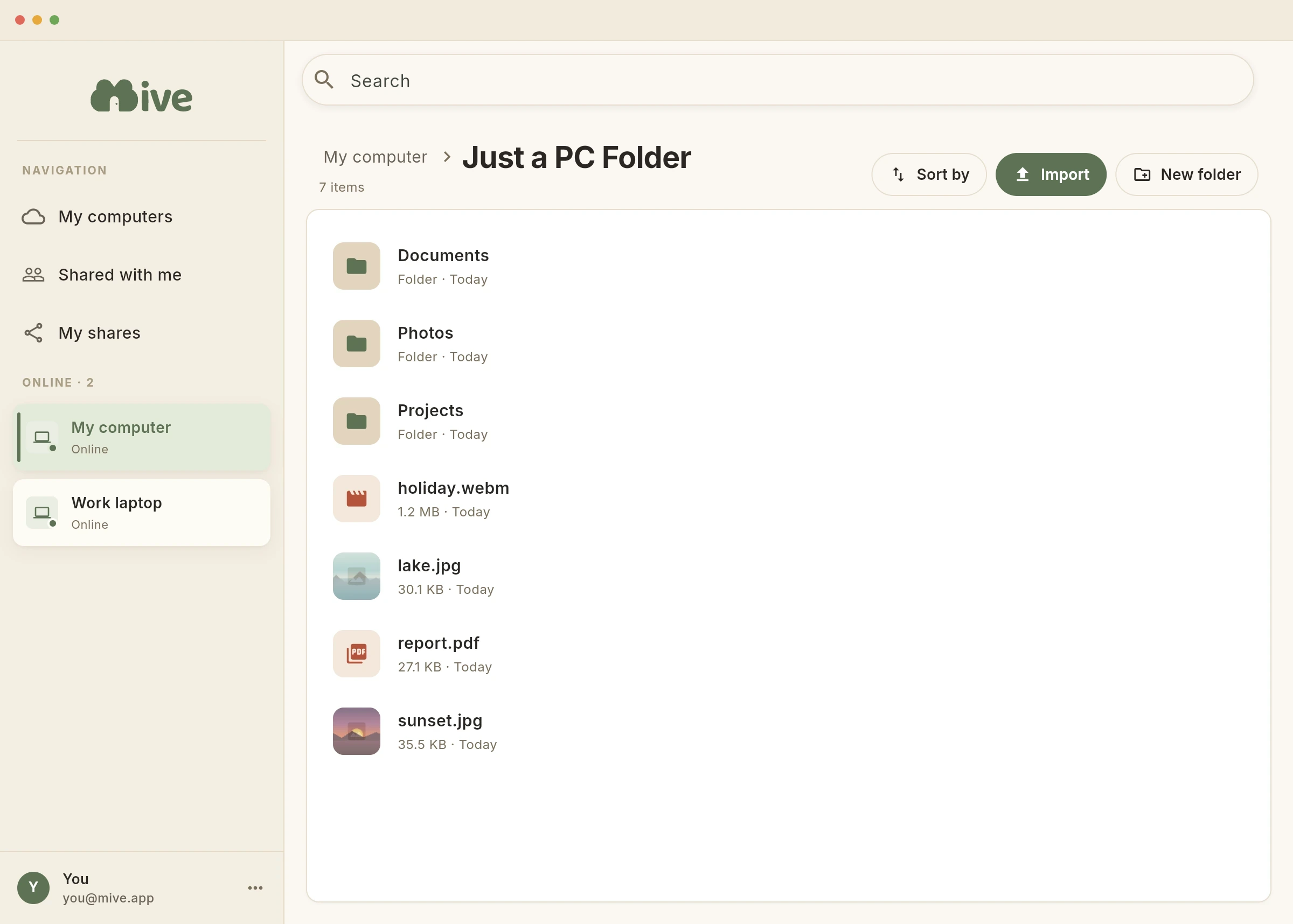
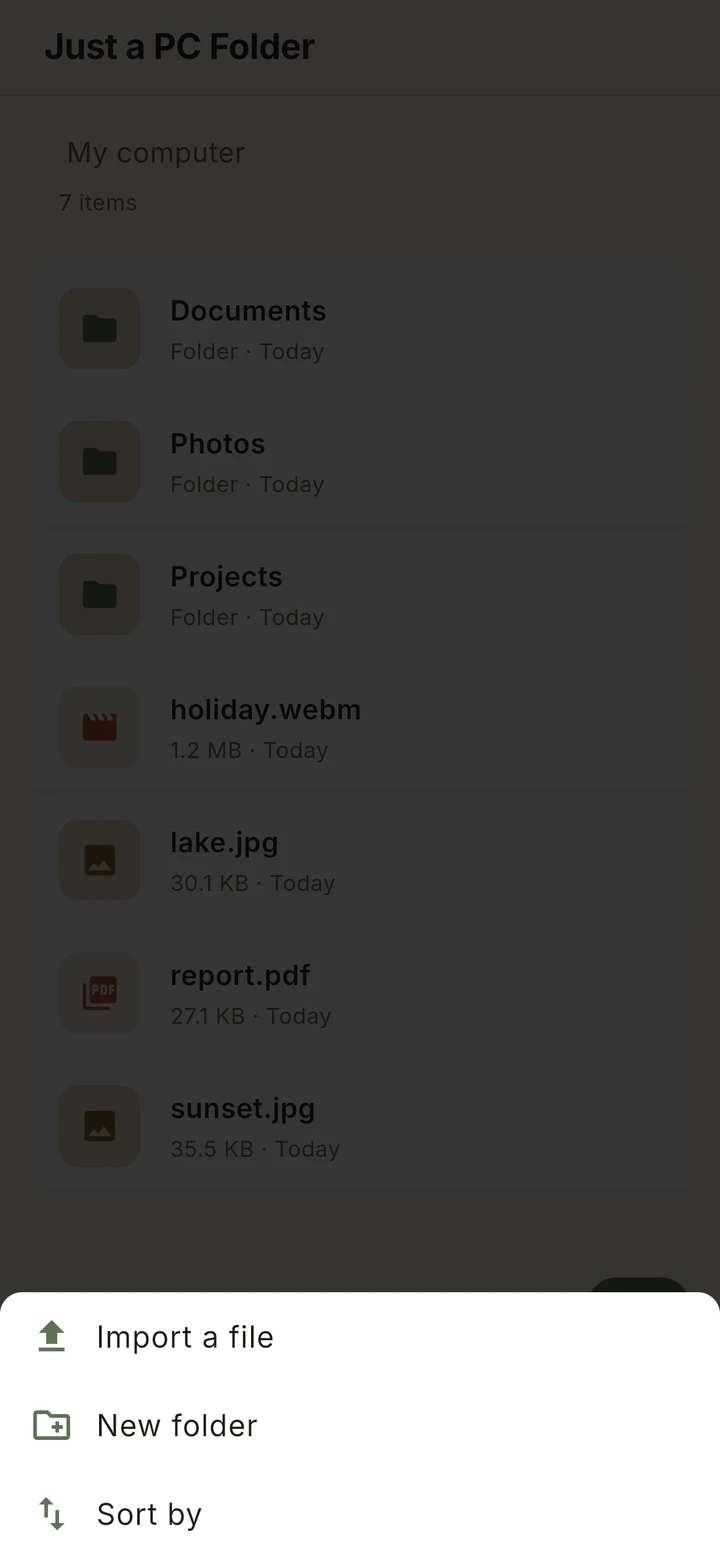
The folders you add on your disk are your drive — here, one called “Just a PC Folder”, the very same files.
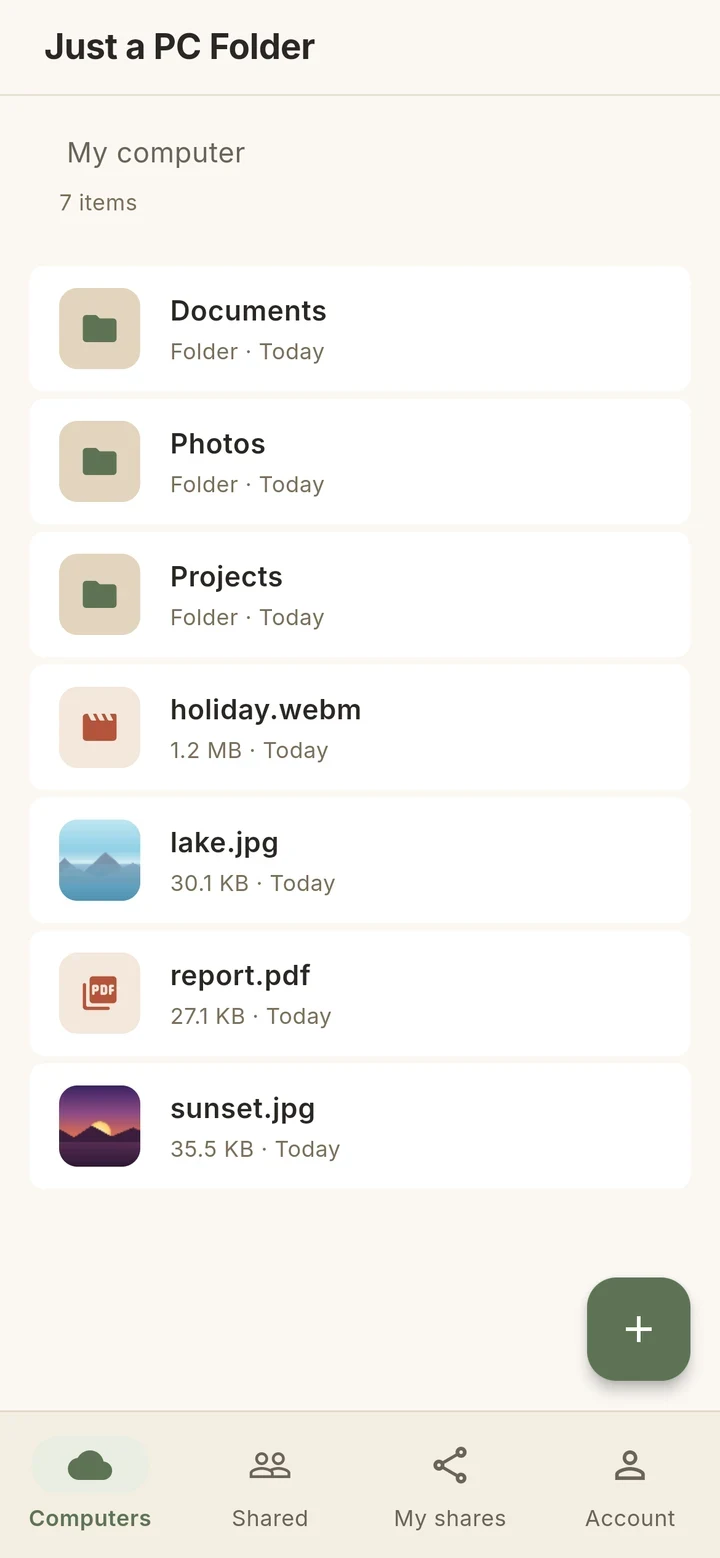
Open your drive from your phone or the web. The files are the same ones, served live off your PC — photos, documents, video.
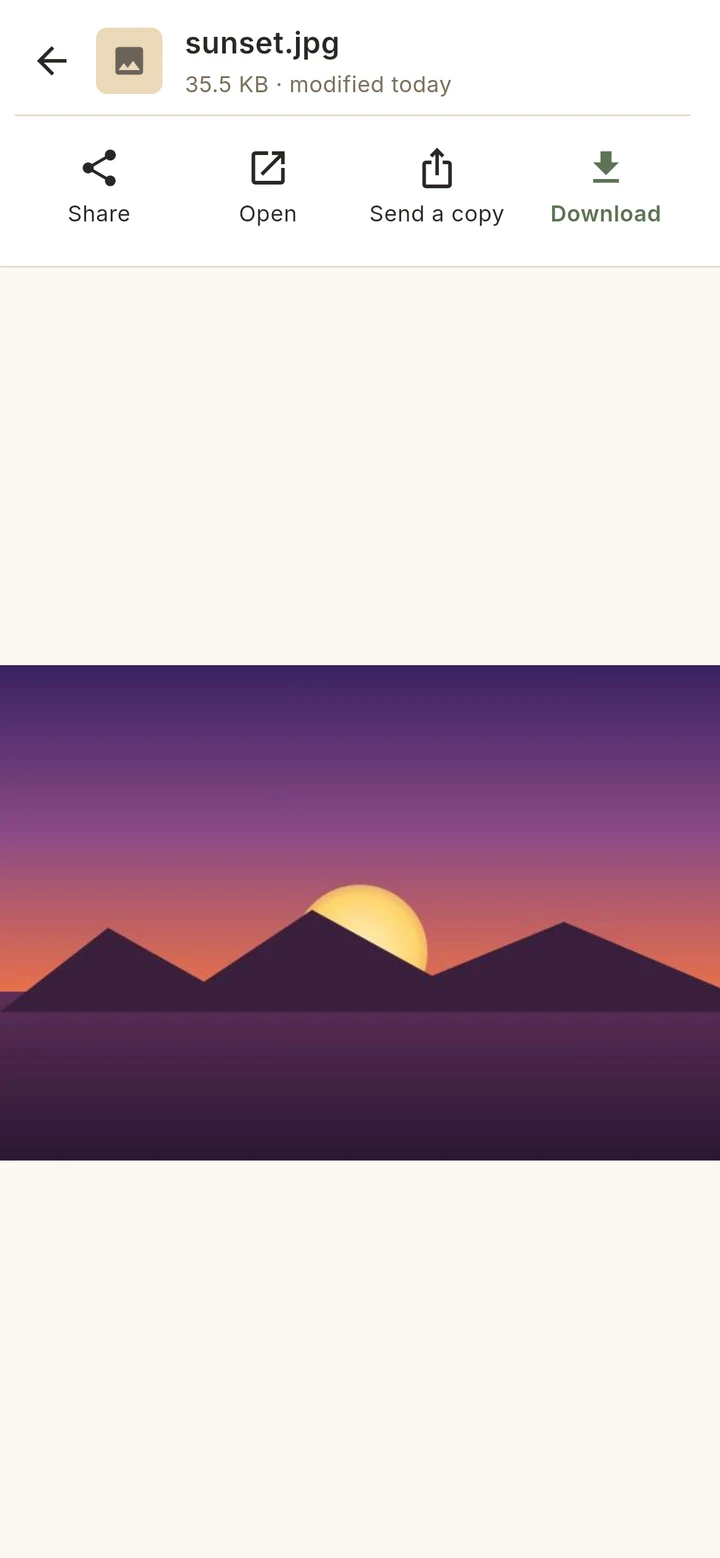
Send a link anyone can open — no account needed — or share a single file or a whole folder with someone as Viewer or Editor. You stay in control and can revoke access any time.
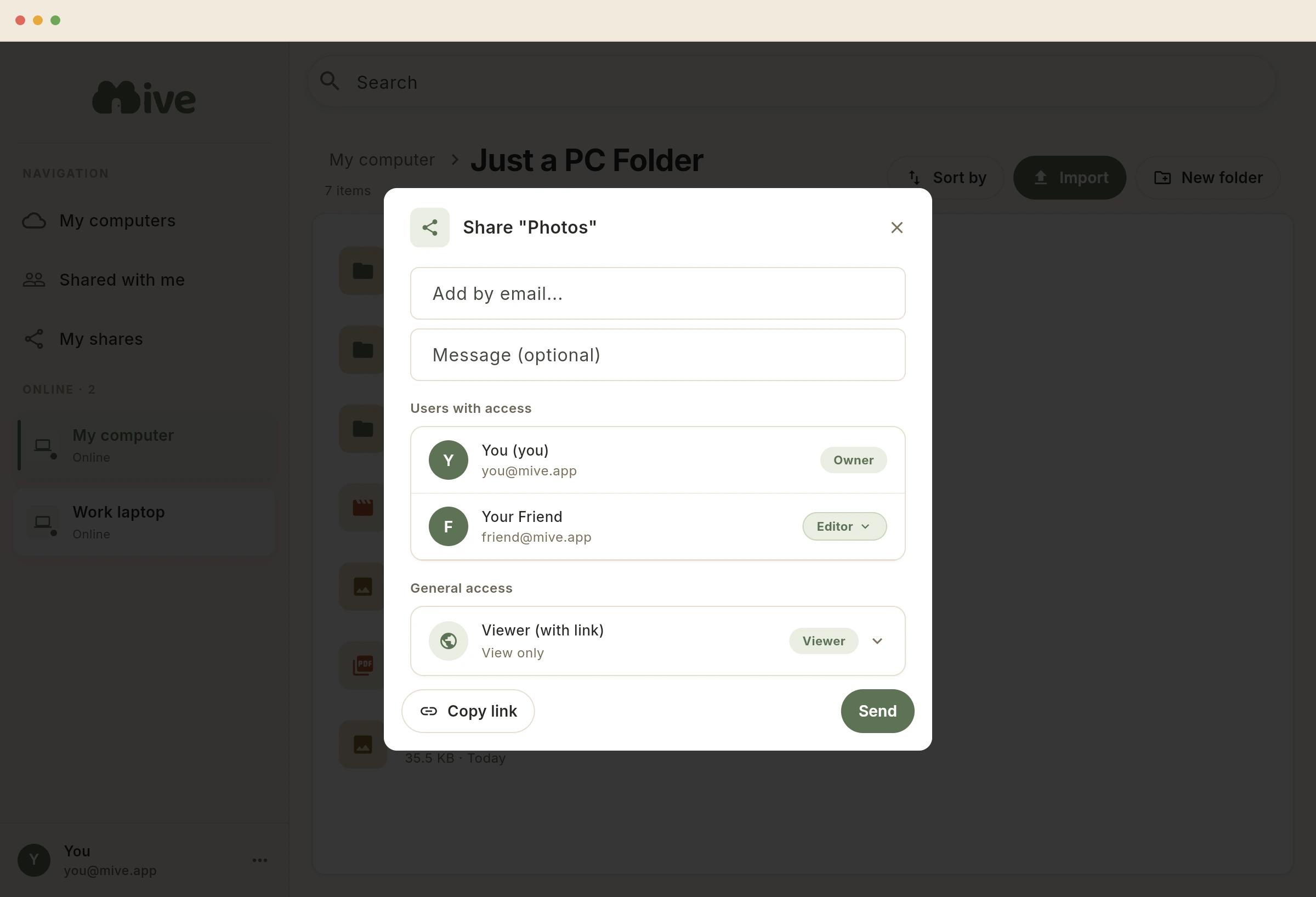
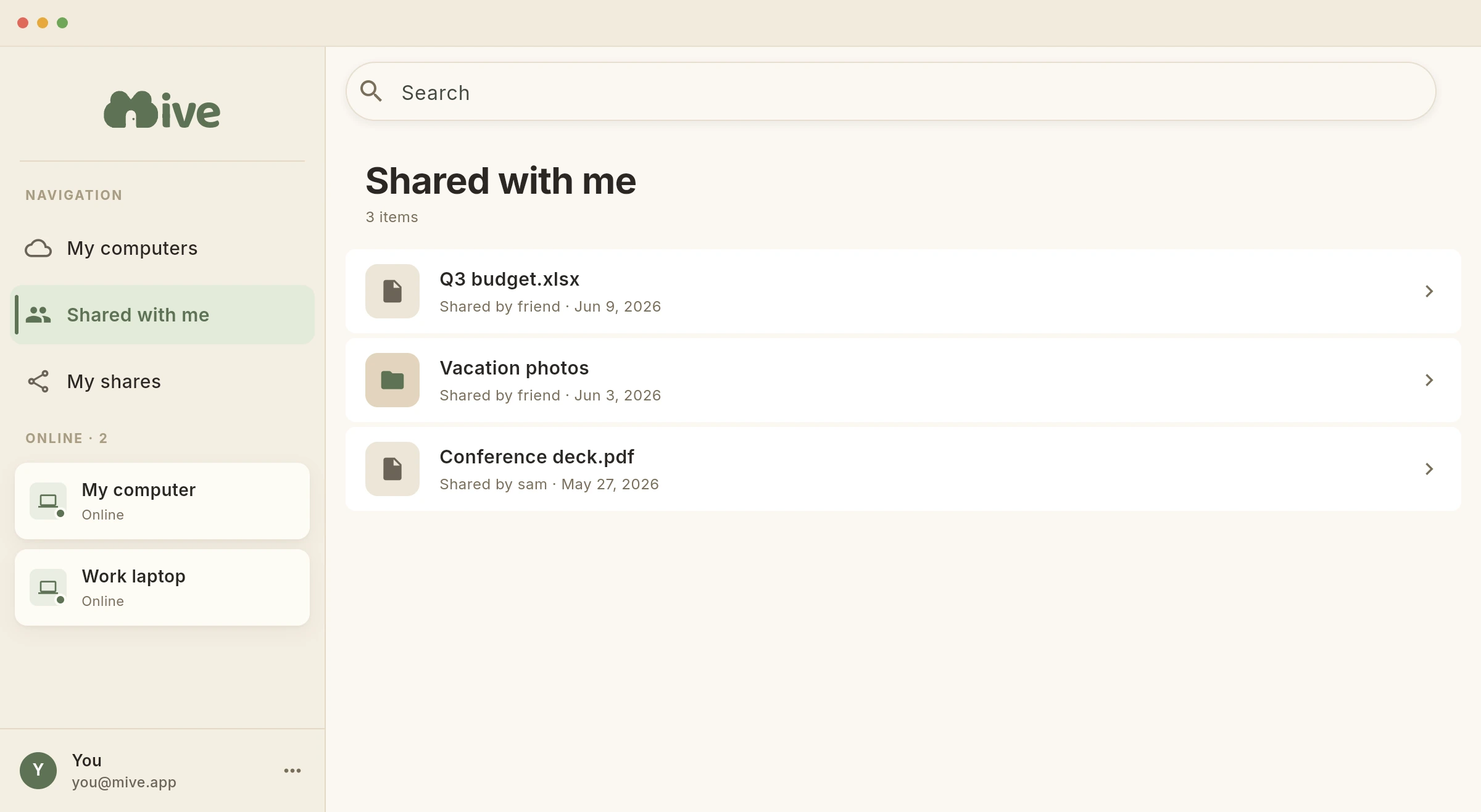
How they open it depends on how you shared: a link anyone can use opens the file or folder straight away — no account, no app. Share with someone who's on Mive, and it lands in their Shared with me, ready to open live from your PC.
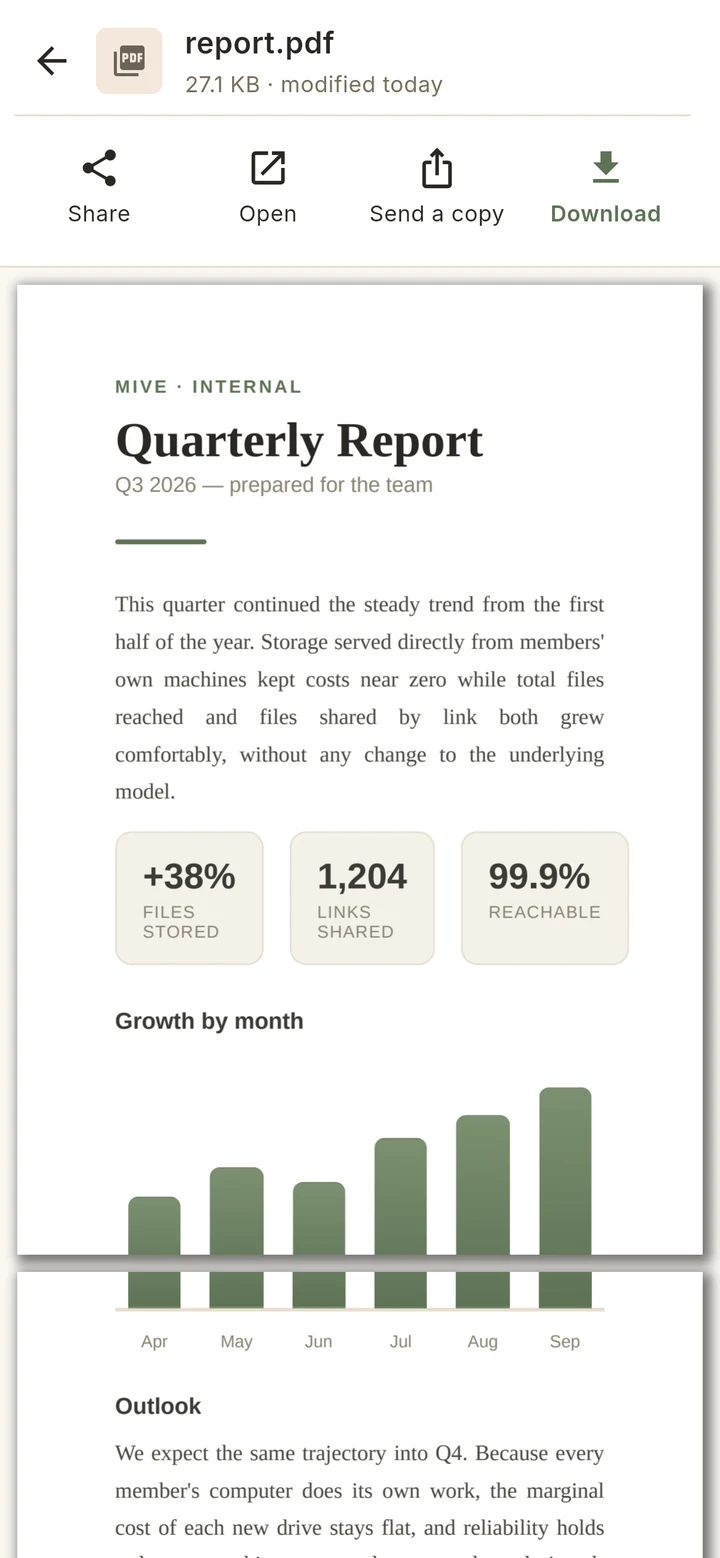
Import a file or make a new folder from any device, and preview photos, PDFs and video right inside the app.
See exactly what we store in our Privacy Policy.
Free forever. Two minutes to set up.
Already set up? Open Mive →