
A free WeTransfer, Drive & Dropbox alternative
Your files stay on your PC.
Your phone opens them, from anywhere.
Mive turns your PC into your own cloud. Reach your files from your phone or the web, and send them to anyone with a link. Nothing is ever uploaded.
Free forever · Set up on Windows or Mac · reach it on iPhone, Android & Web
Already set up? Open Mive →
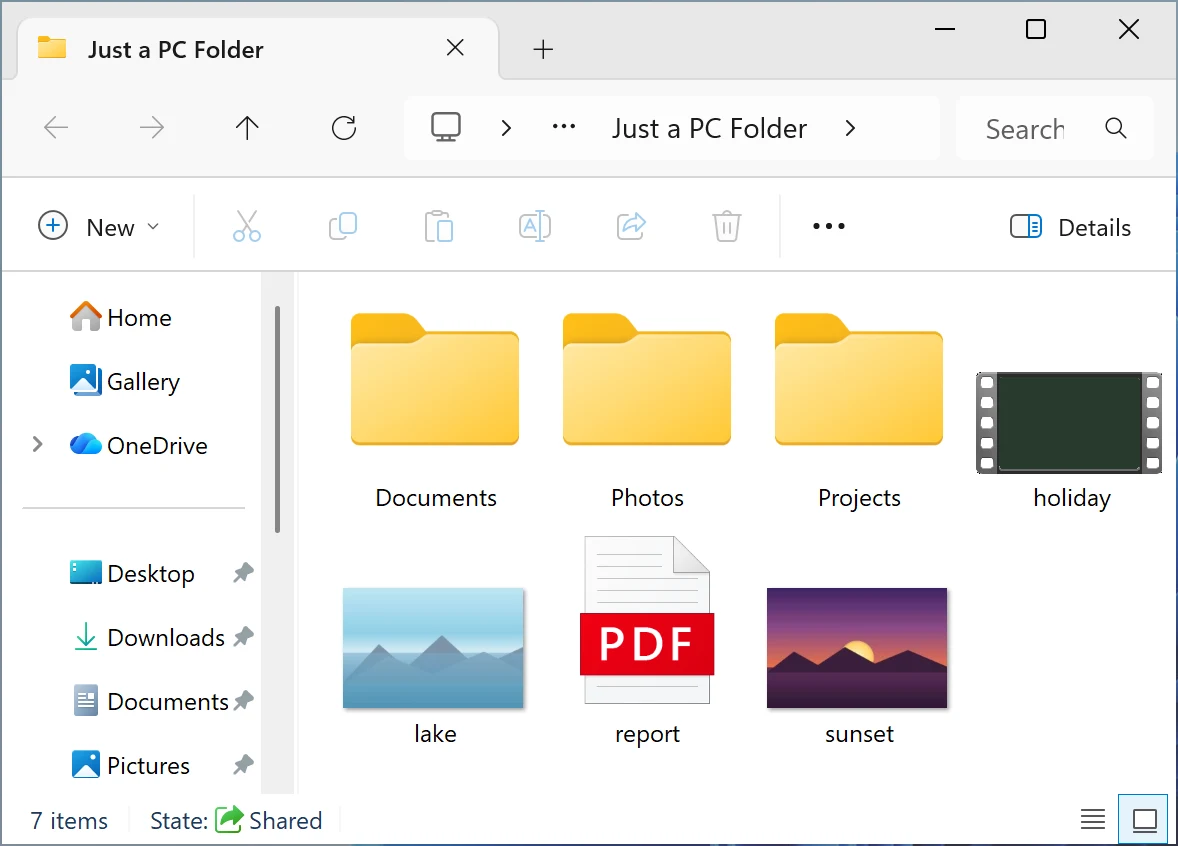
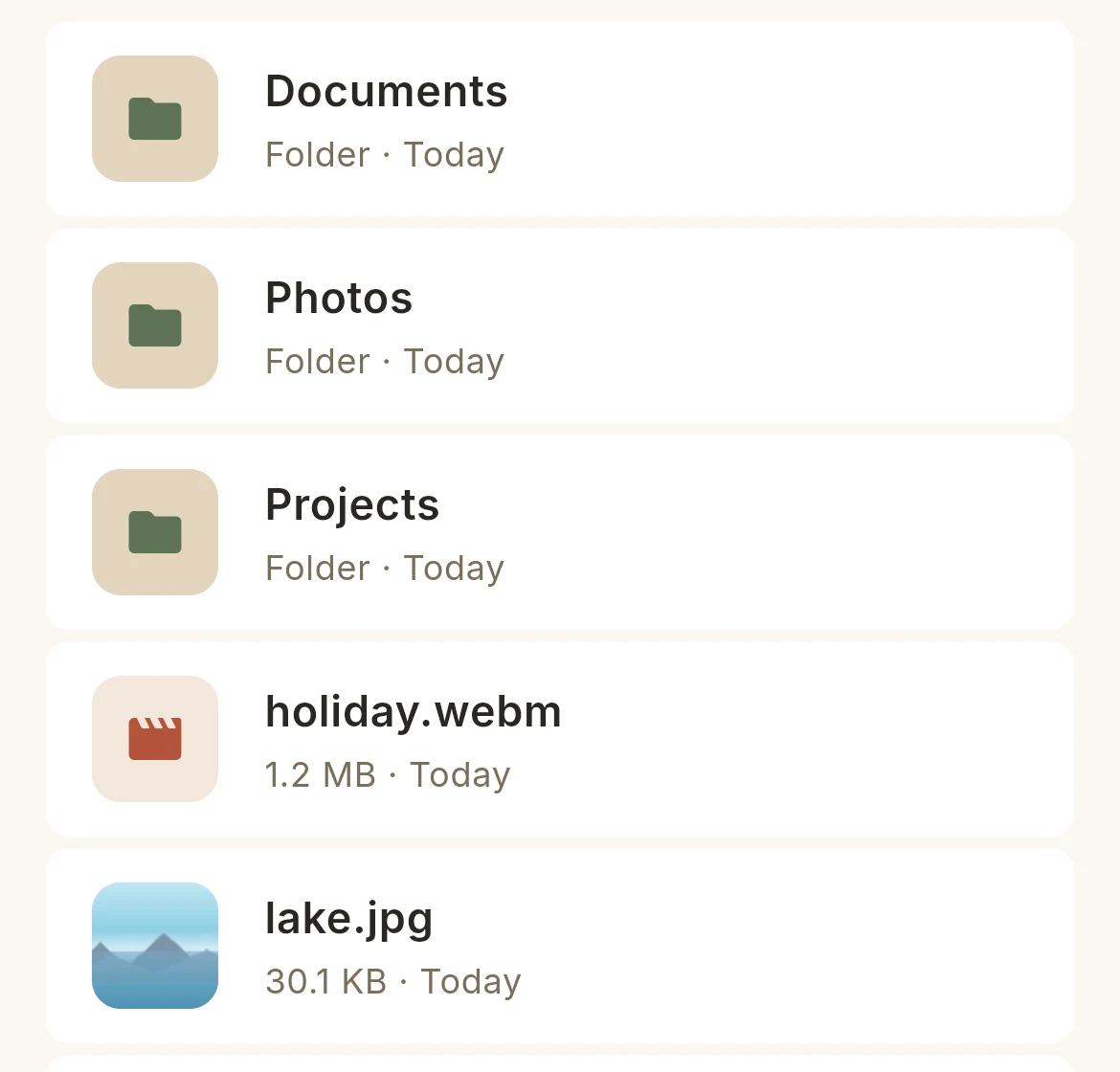
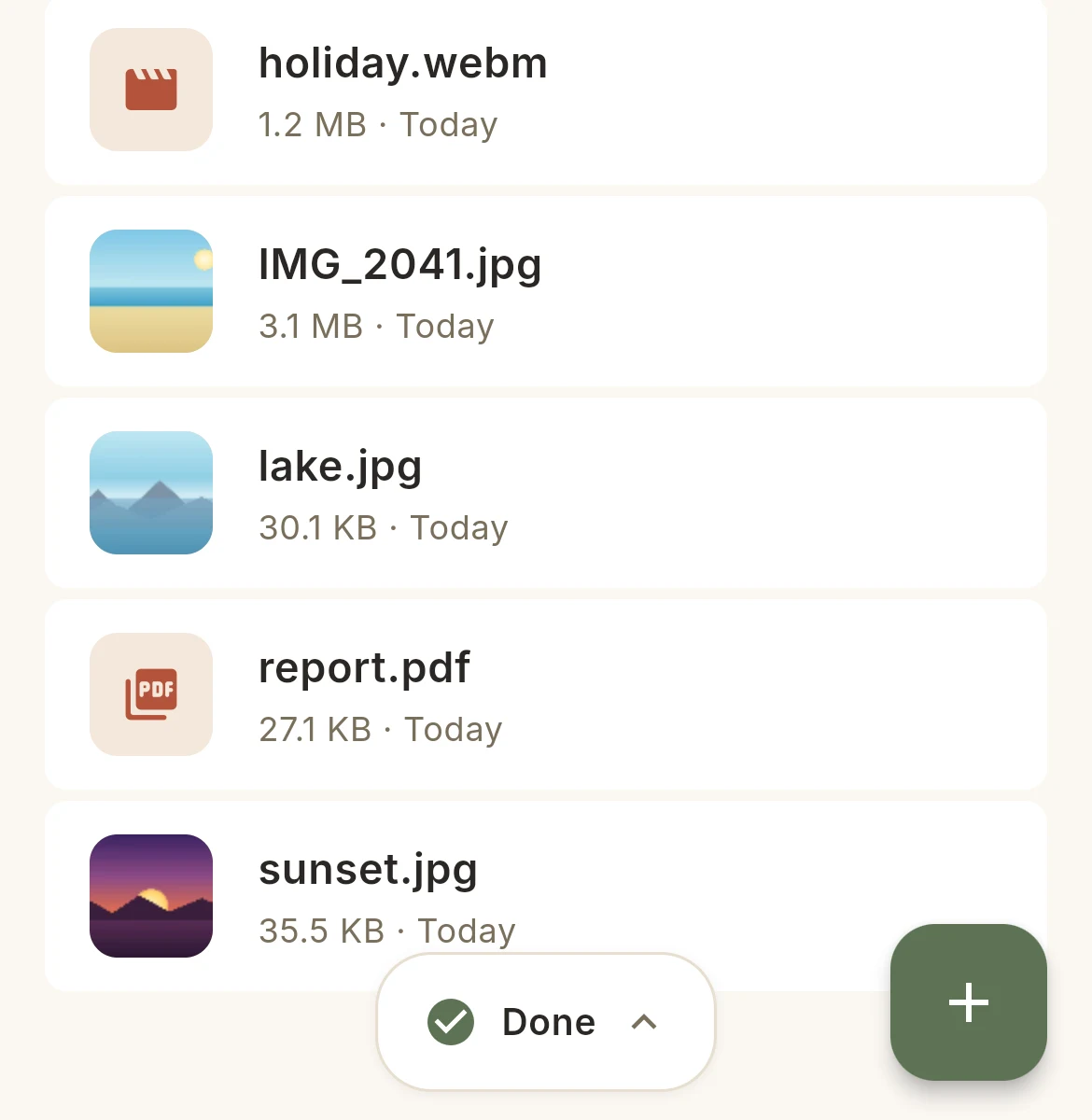
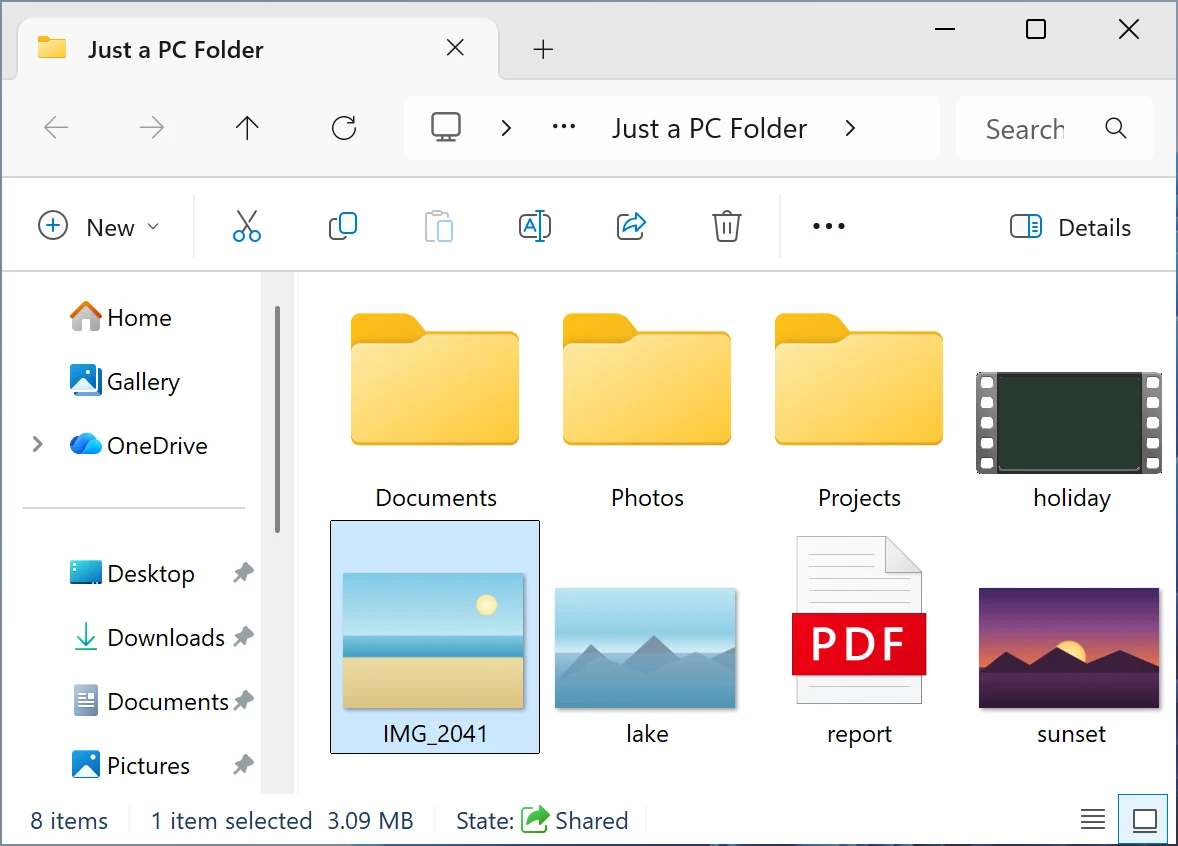
Same folder.Not a copy.
Drop a photo from your phone: it appears on your PC.
Share 80 GB.Upload nothing.
Click Share: the link is ready, there's nothing to send.
Sending an 80 GB video
With the others
Minutes
Uploading, and waiting
And a copy of it sits on their servers.
With Mive
0 s
Link ready
No copy anywhere but your disk.
No account? No app? Just your link.
You send a link: they open it in their browser and download from your PC.
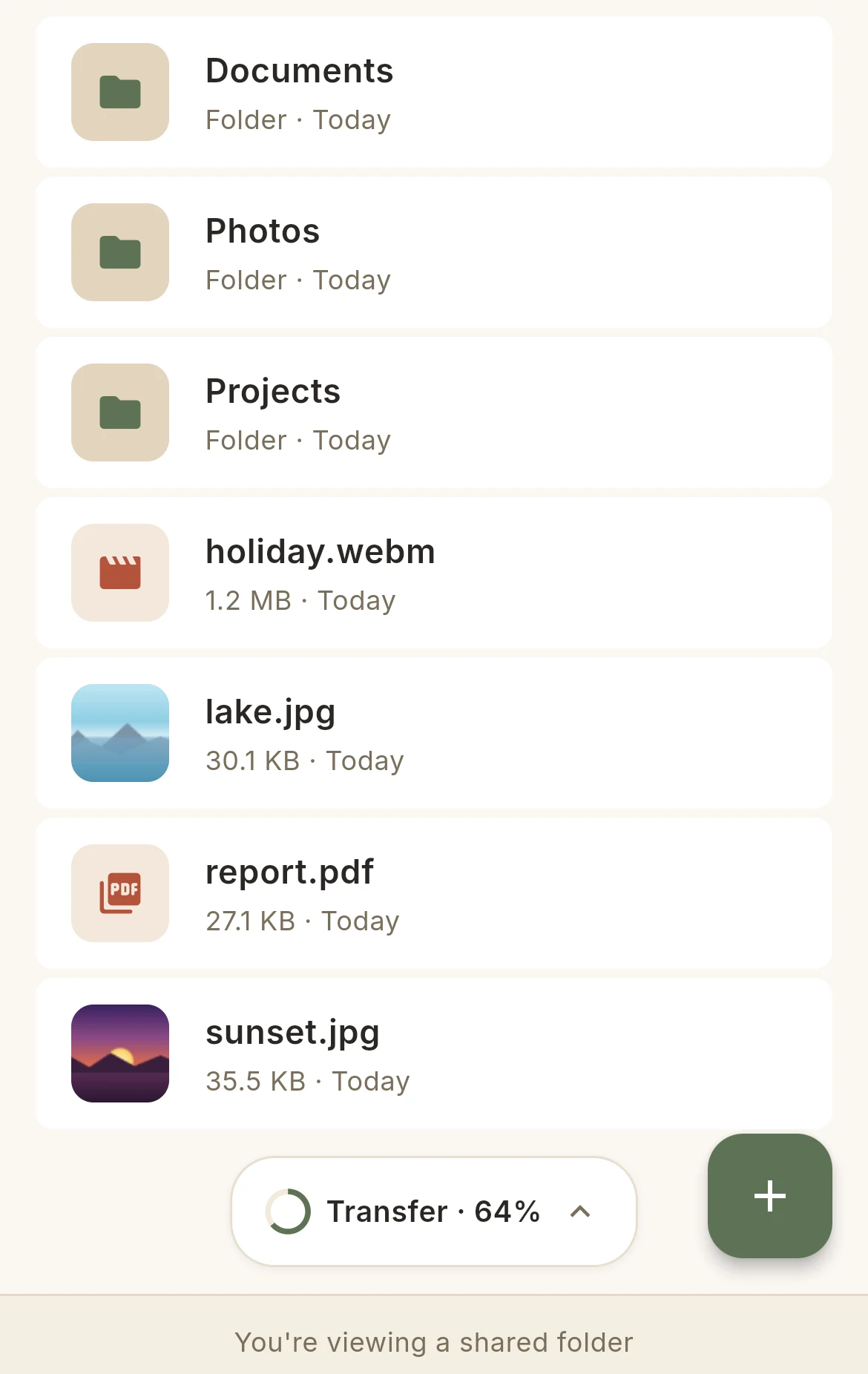
Open it right there.
Photos, PDFs, videos — straight from your PC.
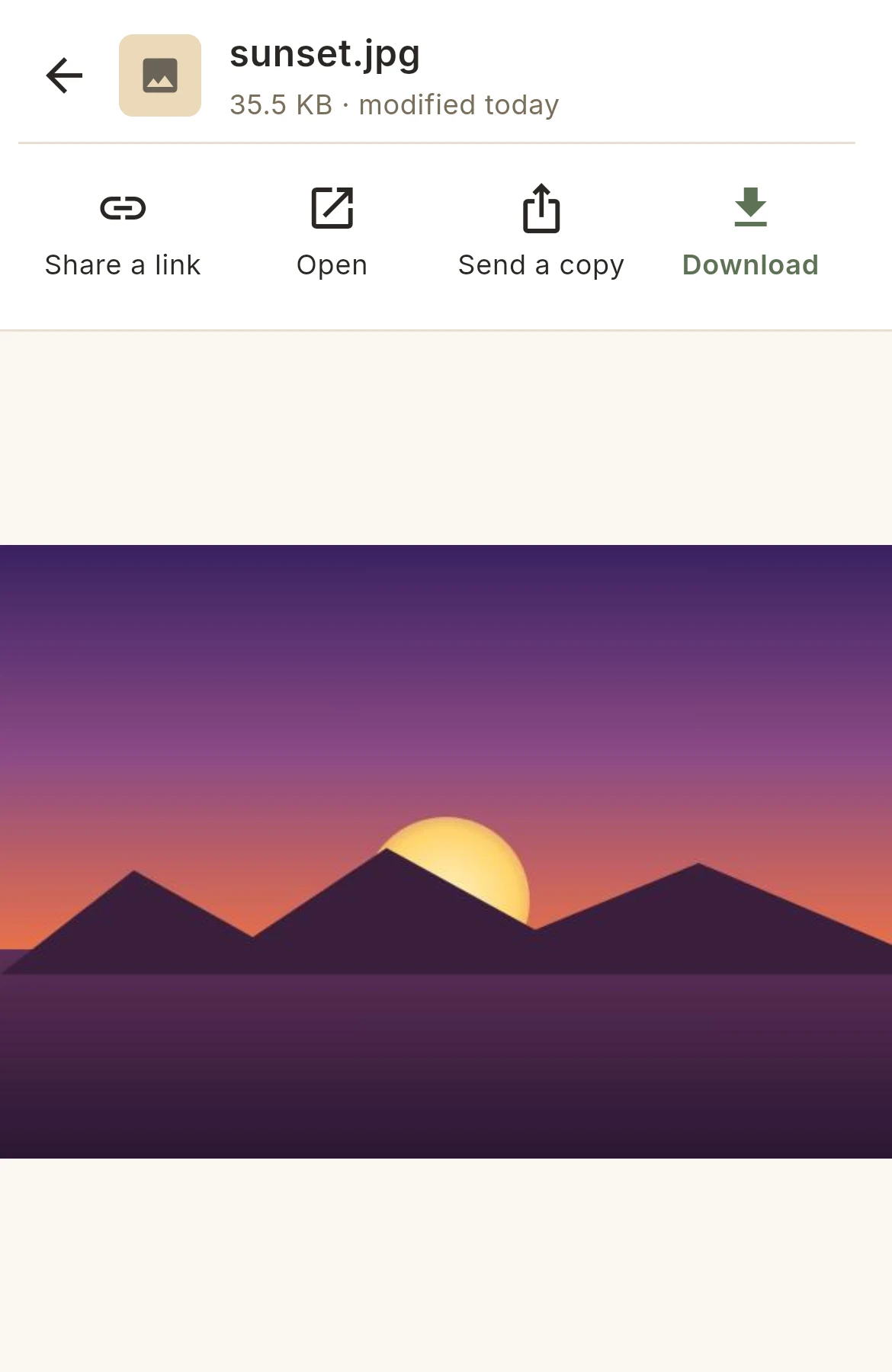
Delete on the web.Your PC follows.
Rename, move, delete your PC's files from your phone or your browser.
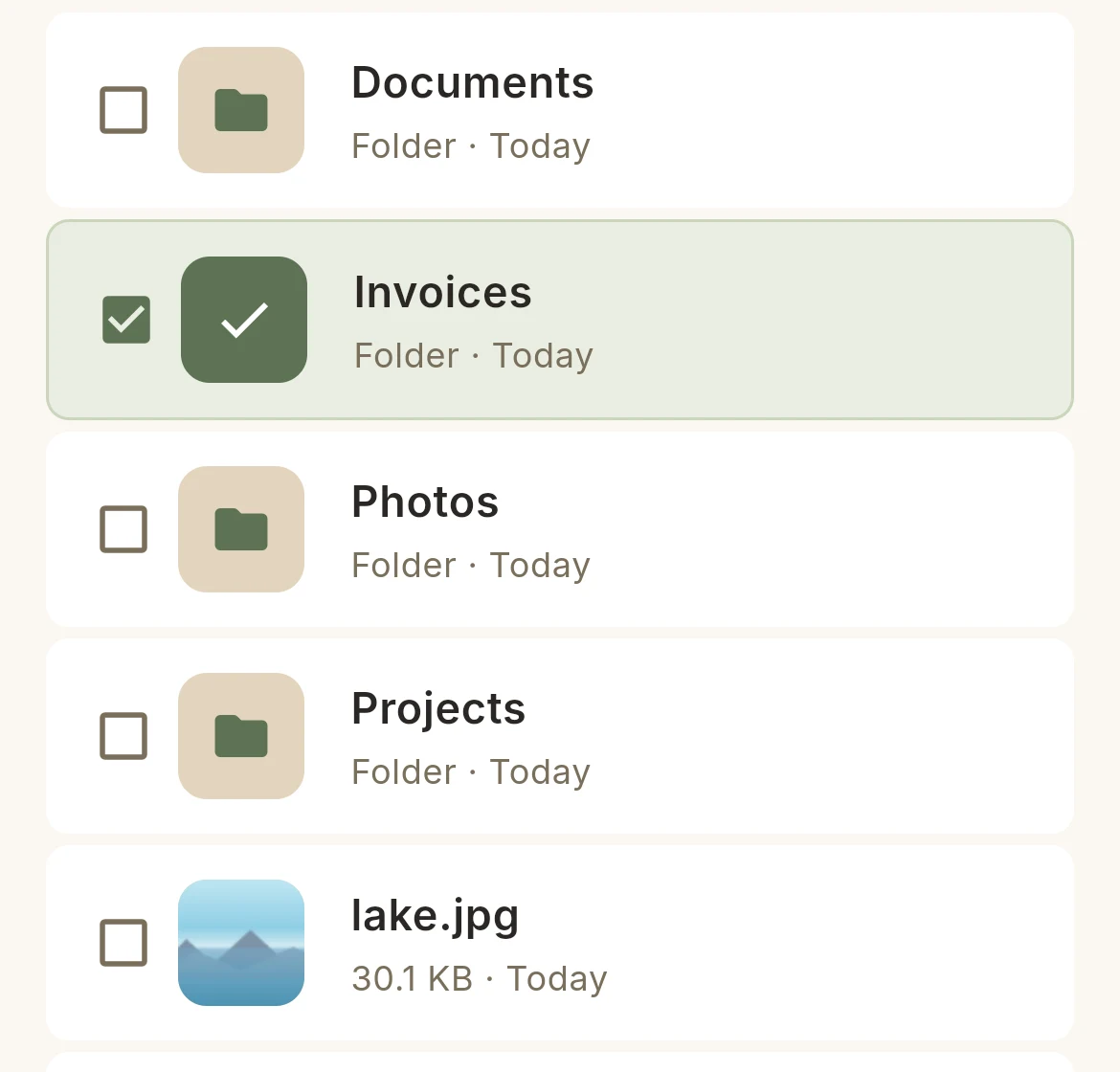
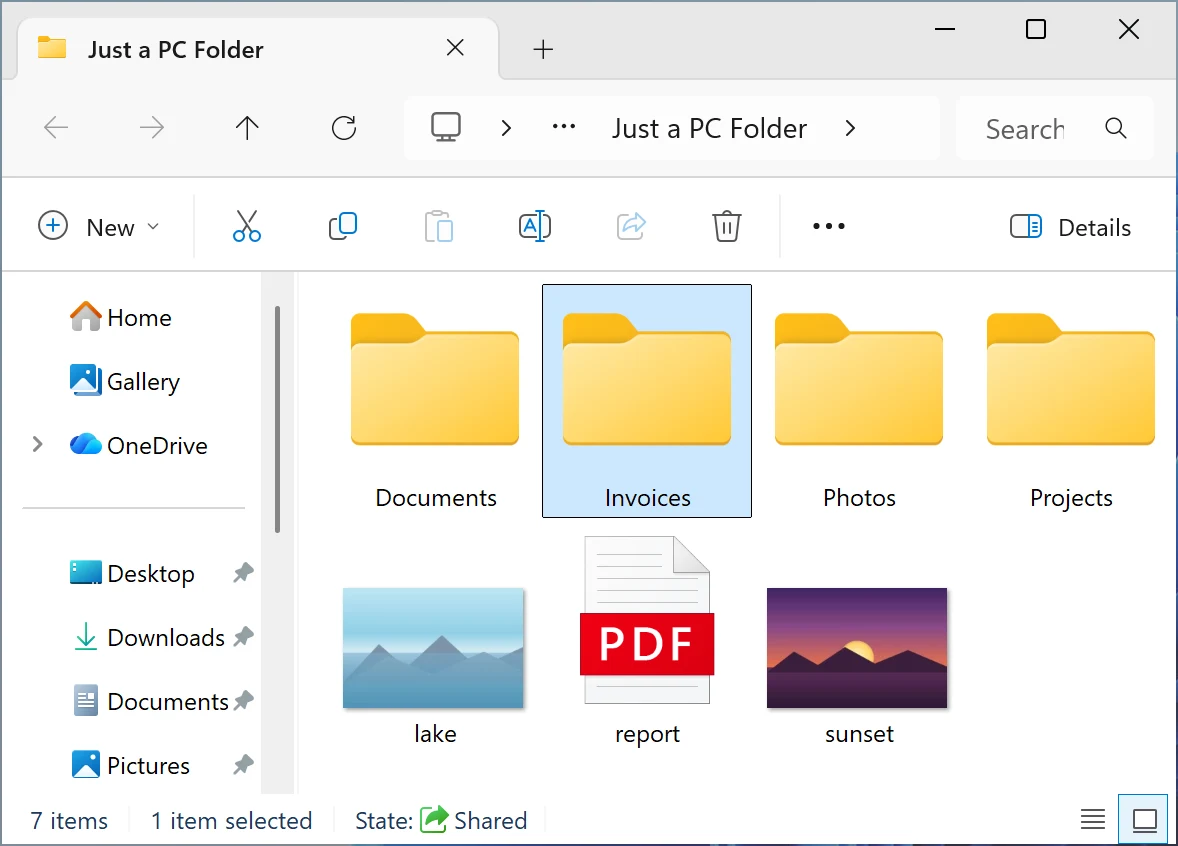
Paying for a cloud you already own?
Your PC is your free cloud.It just has to be on.
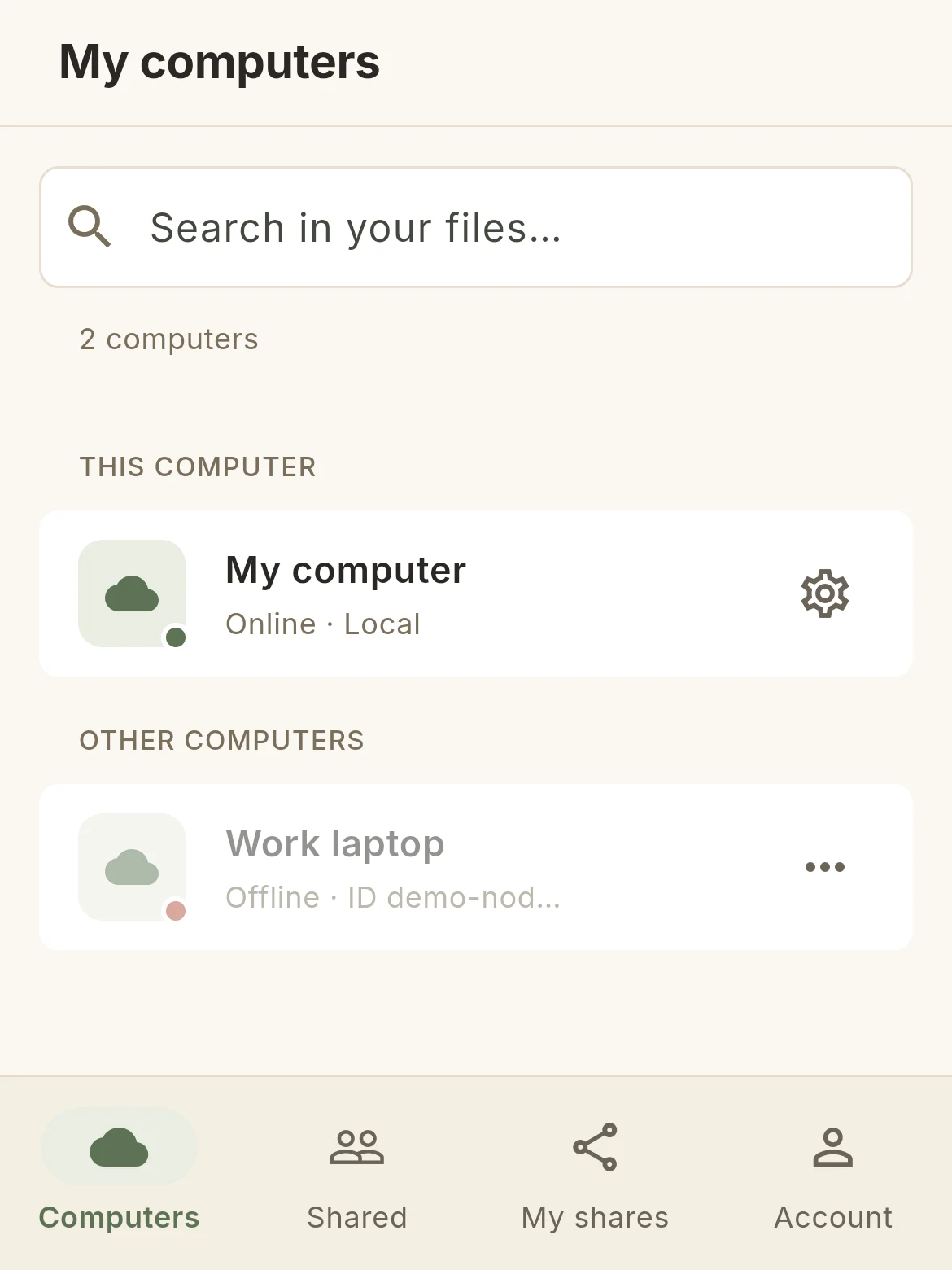
Mive on your PC.This app in your hand.
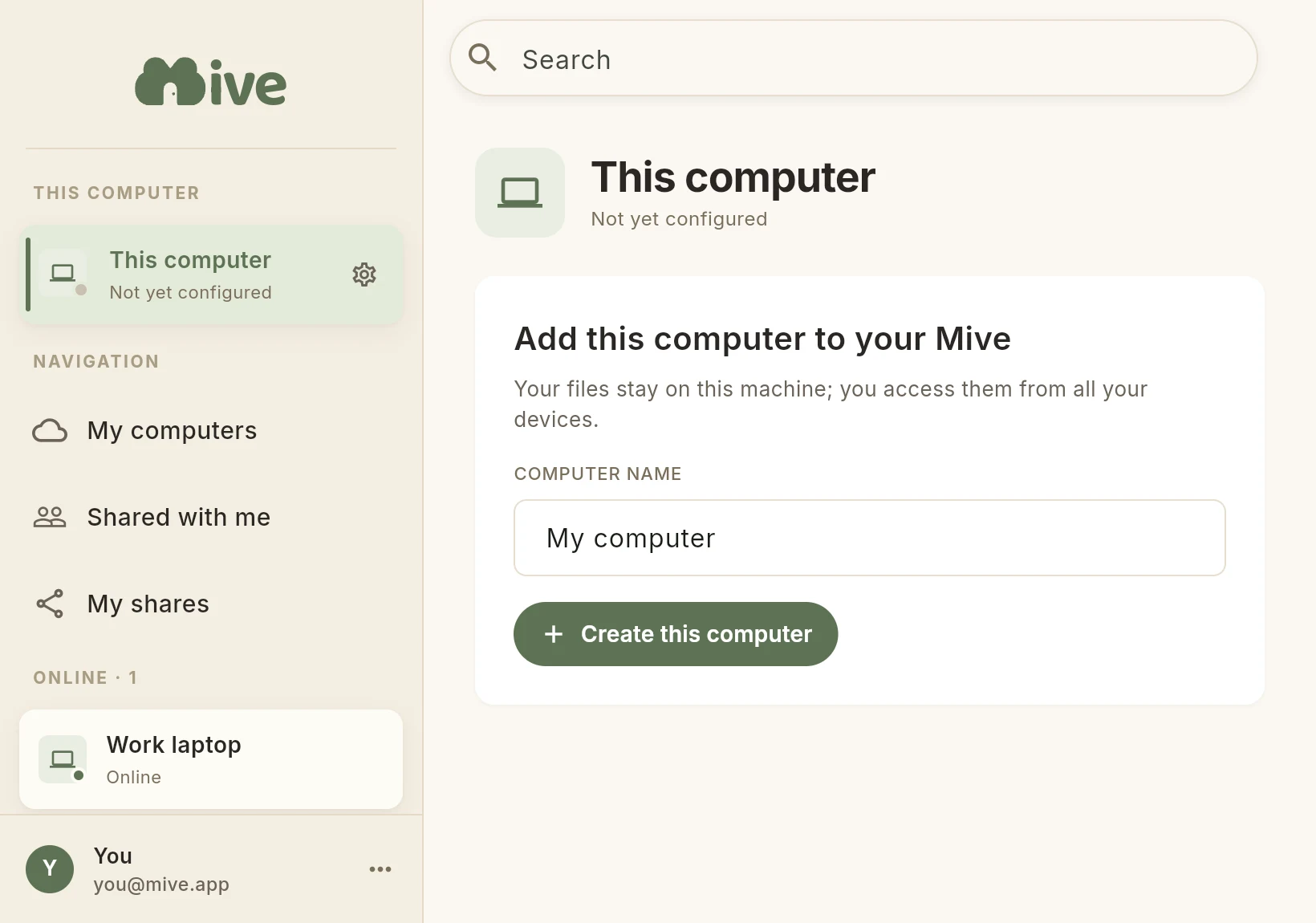
Two minutes to install, nothing to set up.
Set up on Windows or Mac · reach it on iPhone, Android & Web
Already set up? Open Mive →
Private and secure by design
Most clouds ask you to trust them with everything. Mive is built so you don't have to — we never hold your files, and the app itself can only ever reach the folders you choose.
Locked to the folders you pick — by design
Mive can only ever touch the folders you choose. It's not a setting you trust — it's how the app is built, enforced by your operating system. The rest of your machine stays invisible.
We keep no copy of your files
No scanning for ads, no AI training, nothing sold. The only thing on our servers is what's needed to connect your devices and sign you in — your email, your devices, your share links. Never your files: we store no copy of them.
Nothing to breach — and nothing to lose
If Mive were ever breached, there'd be nothing of yours to take: we keep no copy of your files, and store none. And if Mive disappeared tomorrow, your files wouldn't even notice — they live on your own disk the whole time.
Encrypted, private, no trackers
Your devices reach your PC over an encrypted private tunnel, and the secure connection ends on your PC itself, with a certificate of its own: we see nothing. No ads, no analytics, no advertising IDs — just the minimum to connect you.
How the security actually works
- Your devices connect over an encrypted WireGuard tunnel — no public ports are opened on your PC.
- The part of Mive that serves your files runs under a restricted operating-system account that can only reach the folders you chose — enforced by the OS itself, not just by our code.
- Our servers broker the connection and sign you in; the relay carries only encrypted bytes and keeps no copy of anything. See exactly what we store in our Privacy Policy.
Security questions, or found an issue? [email protected] · Read our security overview →
Common questions
How is this free?
Because your PC does the work. Your files live on your own disk, so there's almost nothing for us to host — that's why Mive is free.
What if my PC is off?
Your files are reachable whenever your PC is on and awake — like any home server. Leave it on at home and reach it from anywhere; when it sleeps, your files simply wait for you, safe on the disk.
What if my computer's disk dies, or it's lost or stolen?
Mive is remote access to your own disk, not a backup — your files live in one place, so keep your usual backups for anything important, just as you would without Mive. If your computer is ever lost or stolen, sign in from another device to cut its access: no one can reach your Mive folders without your account.
Who can reach my files?
Only you, by default. Your files stay on your own disk, we keep no copy of them and we don't access them — and nothing is shared until you decide it is. When you do share, you set the boundary: one specific person, invited by their email address, as a Viewer (they can look and download) or an Editor (they can also add and change things) — or a link open to everyone, no account, view-only or as a drop-off. A link gives nothing away until you turn it on, and you can take any access back whenever you want, person by person.
Do the people I share with need an account?
No. Anyone with your link just clicks and downloads — no sign-up, no app to install.
Is it safe to install?
Yes. The installer is digitally signed, so Windows can check it hasn't been tampered with. And Mive can only ever reach the folders you choose — the rest of your computer stays invisible — and your files never leave your device.
Why not just run my own server?
Mive is the server, minus the work. No ports to forward, no NAS to buy, no network setup, no command line. Install once, pick your folders, done — and it can only ever touch the folders you choose.
What if Mive gets hacked, or shuts down?
Either way, nothing of yours is at risk. We keep no copy of your files — they live on your own disk the whole time — so there's nothing for an attacker to steal, and if Mive ever went away, every file stays exactly where it always was. You'd only lose the remote-access convenience.